Copy Plus - How to Write Long Articles
If you are reading a lengthy article or an article from a website and it contains multiple sections to read, it is quite common that you will have to copy each paragraph separately. But you will find that this is a time consuming process and can slow you down. You may have to make several copies of the text and paste them in different places so that you can continue reading at your own pace.
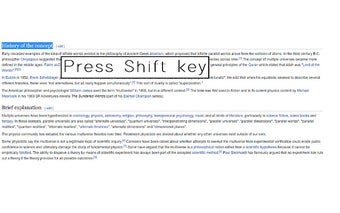
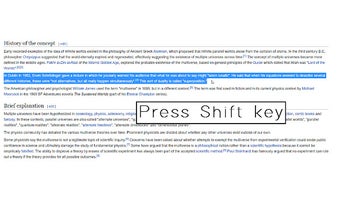
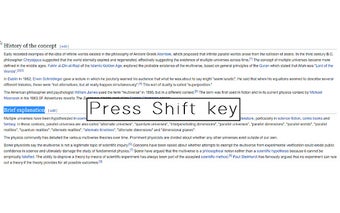
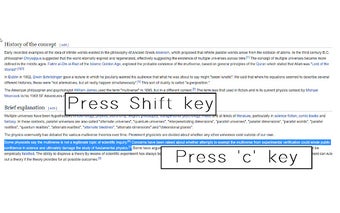
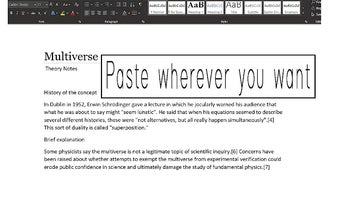
You can easily solve this problem with Copy Plus. In this tool, you can select the paragraphs or sections you want to copy and simply paste it in a single go.
You can paste the entire selection in a single click or paste it separated by white spaces. You can paste it in the order you want or use the newline separator. This tool can also be very useful if you are writing a long article and want to have different parts separated by a newline. You can just choose to paste it separated by newline and you will see the newlines on the page.